Turn Any Prompt Into a
Living Storybook and AI Movie
KathaKitaab is an AI agentic creation engine that plans the story arc, generates illustrated scenes with highlighted characters and objects that respond on click, records narration, and creates a cinematic movie — all from one typed prompt.
Explore the demo instantly. Create full AI-powered books and movies from your own prompts.
Three ways to experience every story
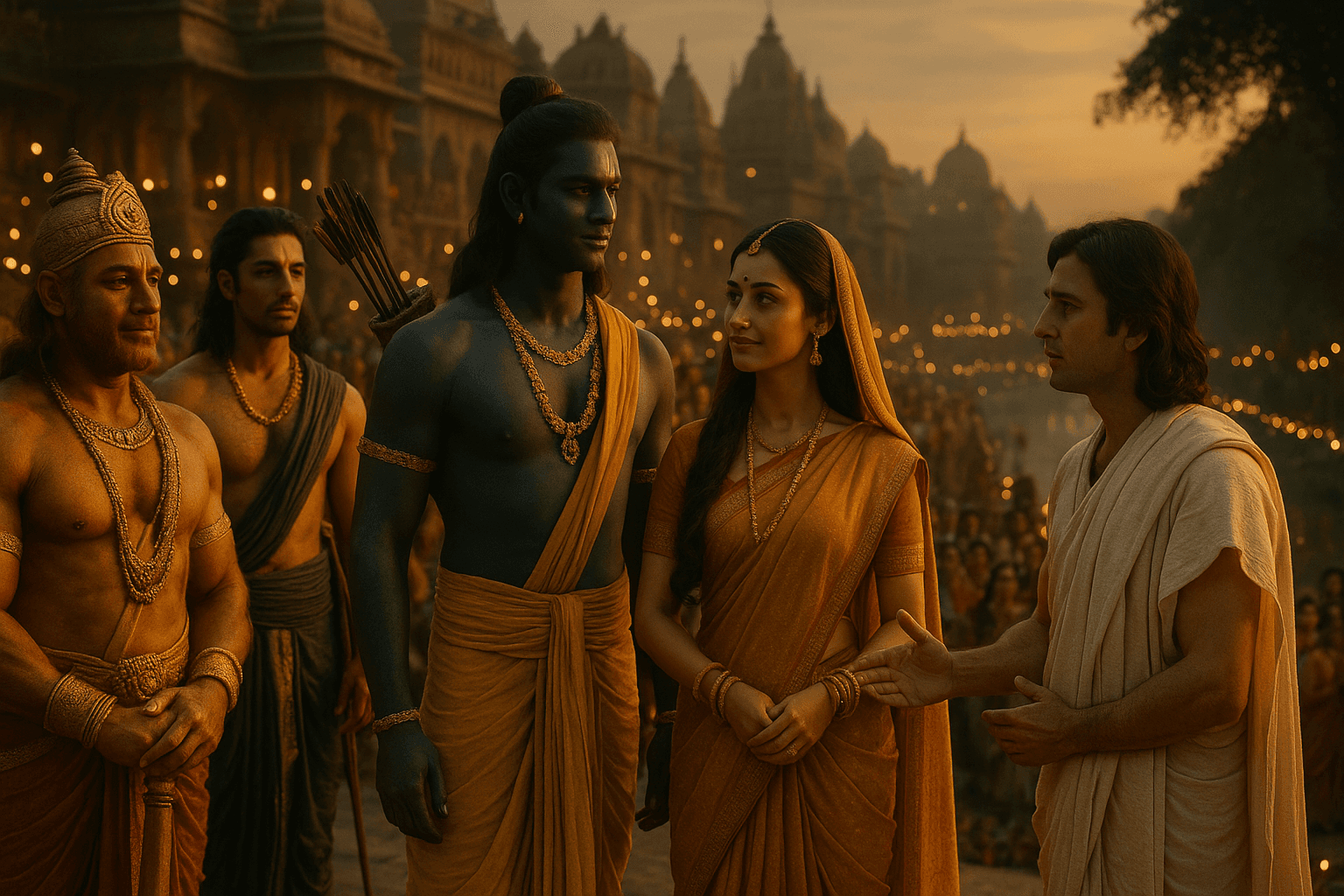
Click into characters and discover hidden details, watch the whole book play as a cinematic film, or walk a tiny living world and carry the story forward yourself. One story, three experiences — same scenes, same narrated voices.
One Engine. Any Story.
Type any title. The AI builds a complete interactive illustrated book.
Five visual styles. One consistent cast.
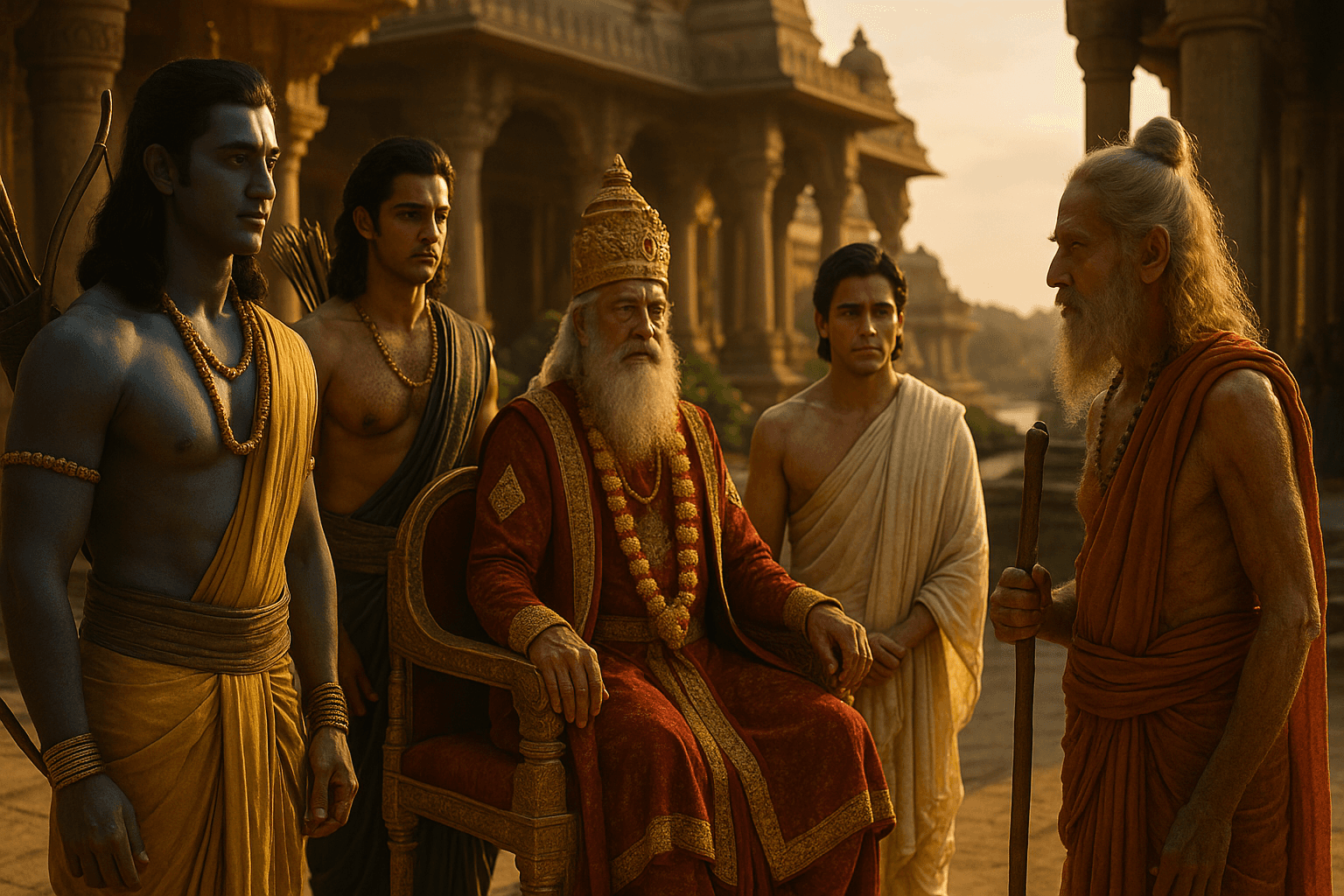
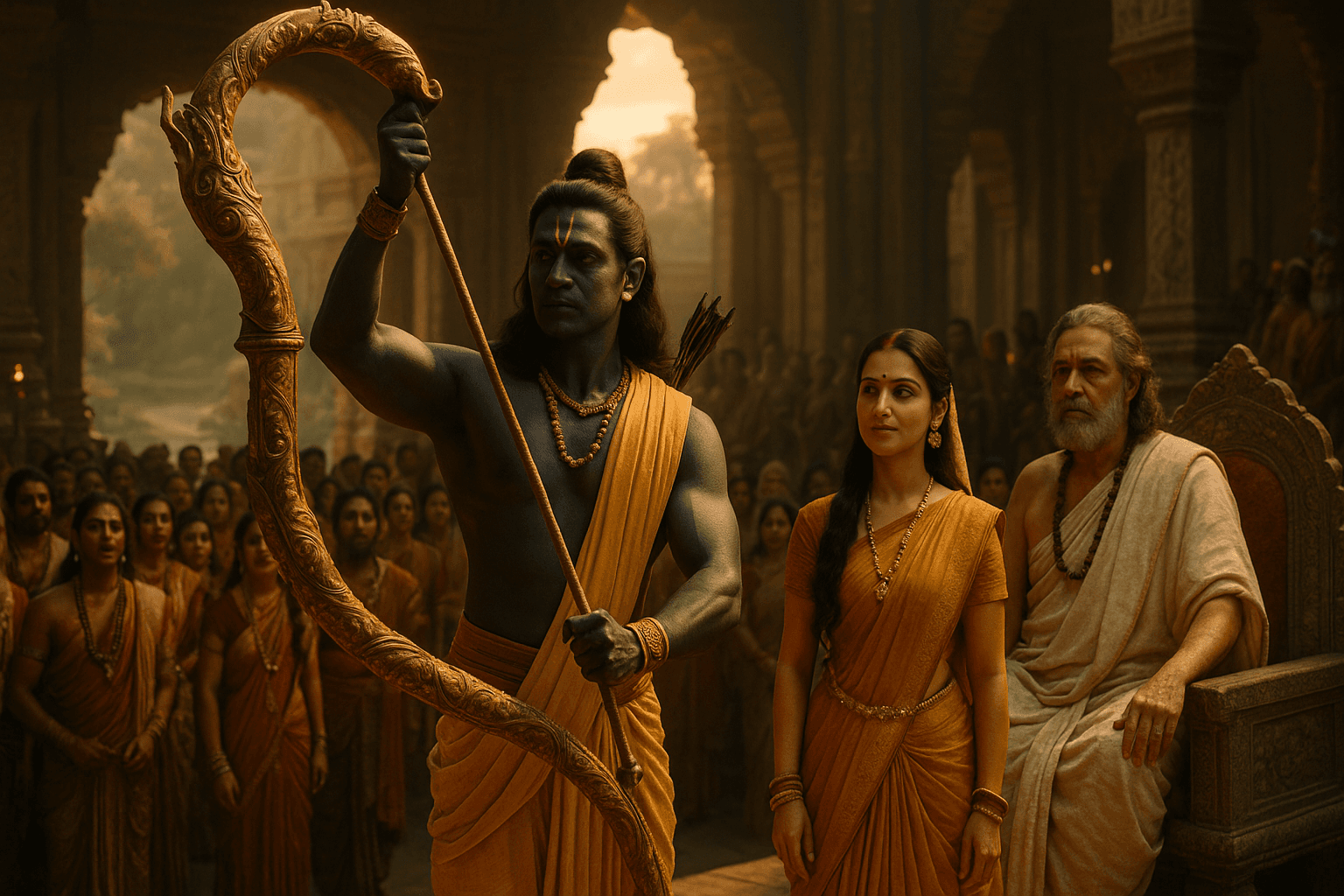
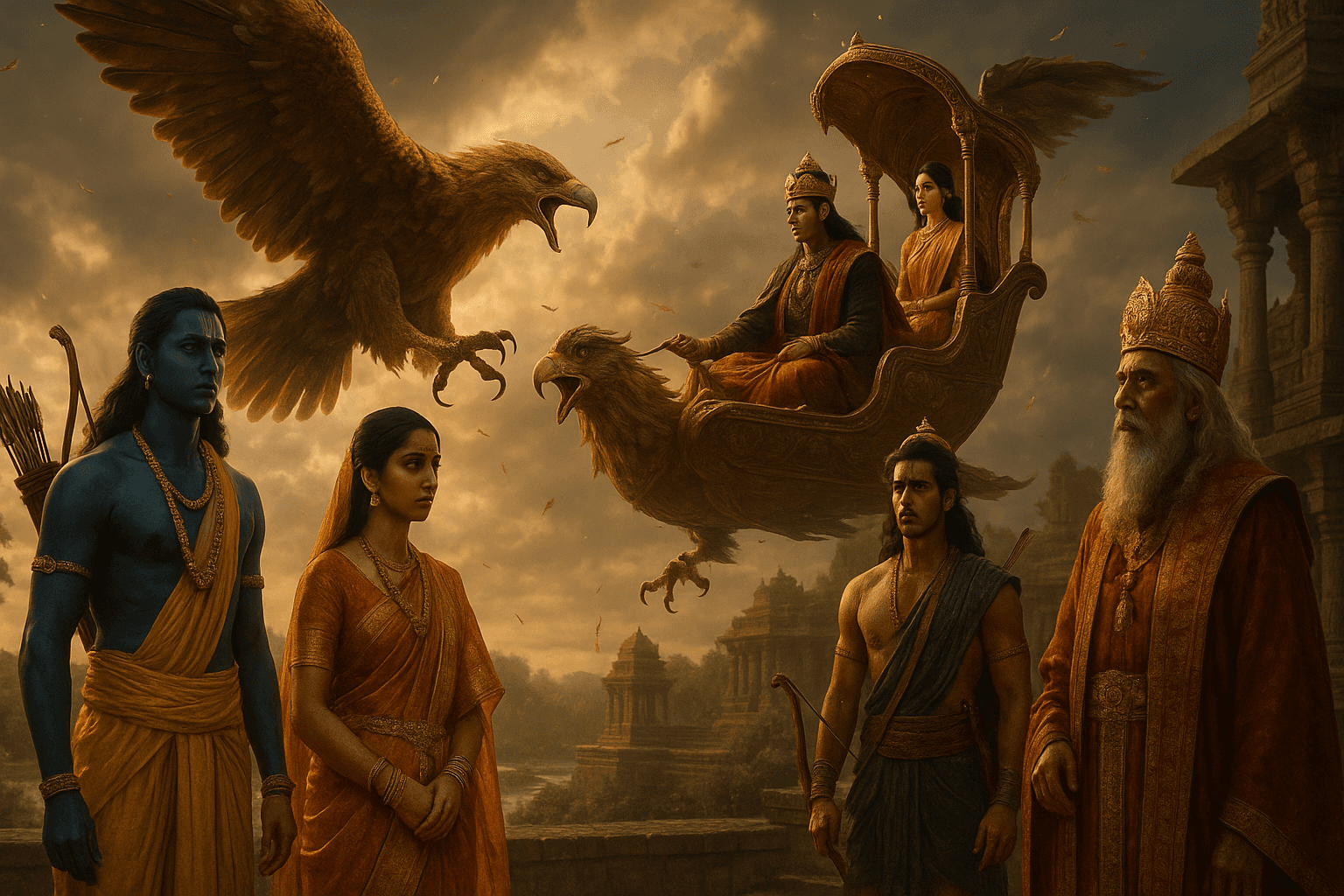
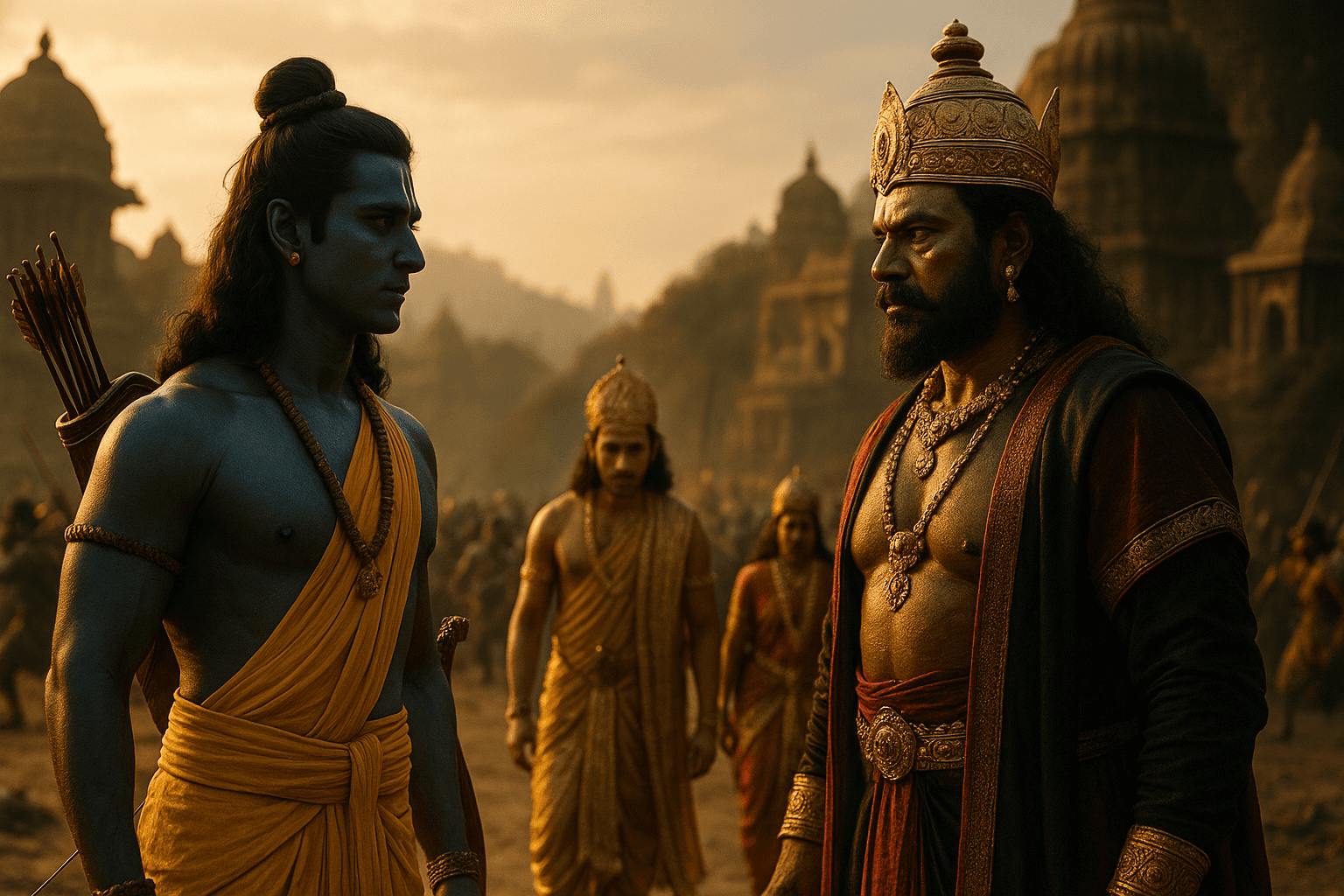
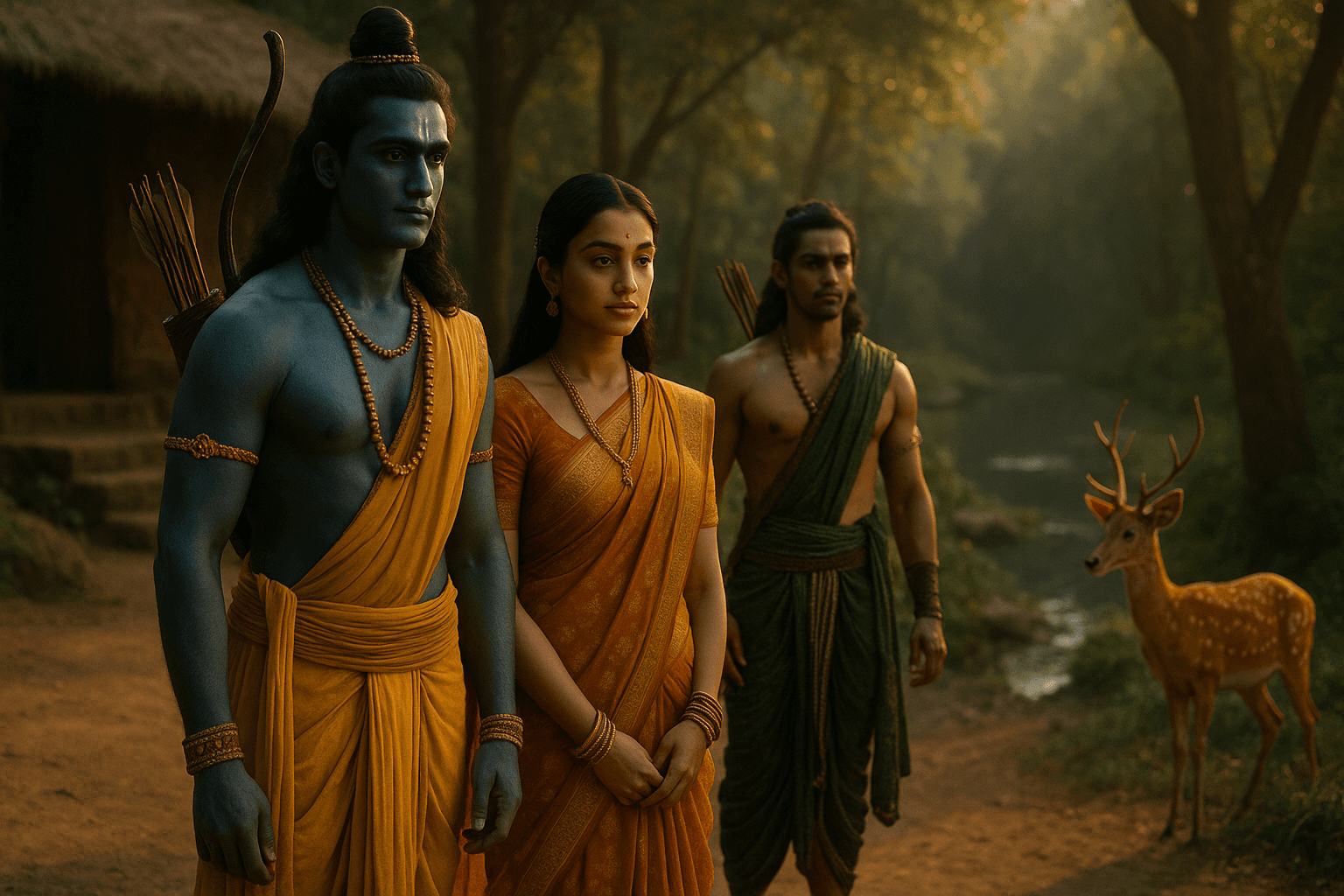
Pick a style at generation time. Whichever you choose, every scene image is anchored to a canonical portrait of each character — the same face in scene 1 and scene 12. Comic books even talk: in-frame speech bubbles, narrator captions, shout starbursts. Anime brings expressive emotion, dynamic action poses, and manga energy. Style and accuracy are decoupled by design.
Live in the engine right now
One curated showcase and AI-generated stories built end-to-end from a typed title. Every book reads interactively and plays as a cinematic cut in the browser.
Make your own in four steps
Same pipeline that produced Akbar and Birbal above. Each step links straight to the part of the engine that handles it — read top to bottom and you'll have a movie of your own in about three minutes.
Type any idea
Mahabharata. Panchatantra. NCERT Science Grade 6. Tenali Raman. A fantasy world. The AI plans a complete story arc — establish, raise the conflict, follow the rising action, turn, resolve.
Pick a style — the engine builds everything
Choose photoreal cinematic, storybook watercolour, cinematic animation, comic book, or anime/manga. The AI writes scene narration, generates illustrations, creates clickable hotspots, and records voice narration — all with consistent character faces across every scene.
Explore the living book
Click highlighted characters and objects. The AI responds with hidden details, backstory, and lore. Tap anywhere on the background and the AI discovers what belongs there. Every interaction is cached so repeats are instant.
Watch it as a movie
The same scenes become a cinematic narrated video — per-scene camera motion, sentence-timed captions, mood music, and particle effects. Play the trailer or the full movie, entirely in-browser.
How the Engine Works
Type your idea
Enter a title, topic, lesson, mythological story, history chapter, fantasy idea, or educational concept. The AI understands what you want.
AI plans the story
The agent creates the story arc, scenes, characters, narration, clickable hotspots, and learning questions — all from one prompt.
Choose a visual style
Pick cinematic, storybook, comic, anime/manga, or animation style. The same character face is locked across every scene by anchor portraits.
Experience the living book
Read it interactively, click characters and objects, discover hidden details, and answer questions. Every click is cached so repeats are instant.
Watch it as a movie
The same story becomes a cinematic narrated video experience — per-scene camera motion, sentence-timed captions, mood music, and effects.
Not Just Stories. A Creation Engine.
Built for anyone who wants to turn knowledge, mythology, or imagination into an interactive experience.
For Students
Turn lessons, chapters, and concepts into visual stories, narrated explainers, and interactive learning books.
For Parents
Create safe, engaging, illustrated stories for children in minutes.
For Teachers
Convert topics into story-based lessons with narration, scenes, questions, and visual explanations.
For Creators
Generate mythology, fantasy, history, anime, manga, comic, and educational story videos from prompts.
For India's Stories
Bring Ramayana, Mahabharata, Panchatantra, Assam history, folk tales, and local stories into interactive AI format.
- Per-scene motion — battle push, divine glow, slow pan
- Ambient idle — figures breathe, sway, blink, look around
- Puppet states — Talk speeds breath, Fight quickens sway
- Emotional narration — pace + pitch shaped per mood
- Sentence cues with explicit ms timing in the manifest
- Procedural mood bed, ducked to 0.10 under speech
- Universal effects DSL — particles, dust shafts, fog, rim light
- Audio-driven mouth pulse + geometric gaze toward addressees
- Verb-aware QA — Talk, Fight, Honor each feel distinct
- Downloadable MP4 export — coming soon
Ready to turn your idea into a story?
Type a prompt. The engine plans the arc, illustrates the scenes, and builds the movie. Your story, your style, your cast - created in minutes.